

Claim vested assets
When the sale has ended and the admin has finalized it, the investors can claim the underlying tokens.
Steps for Investors
- Navigate to "My Position"
After logging in, the investor should go to the My Position section of the app.
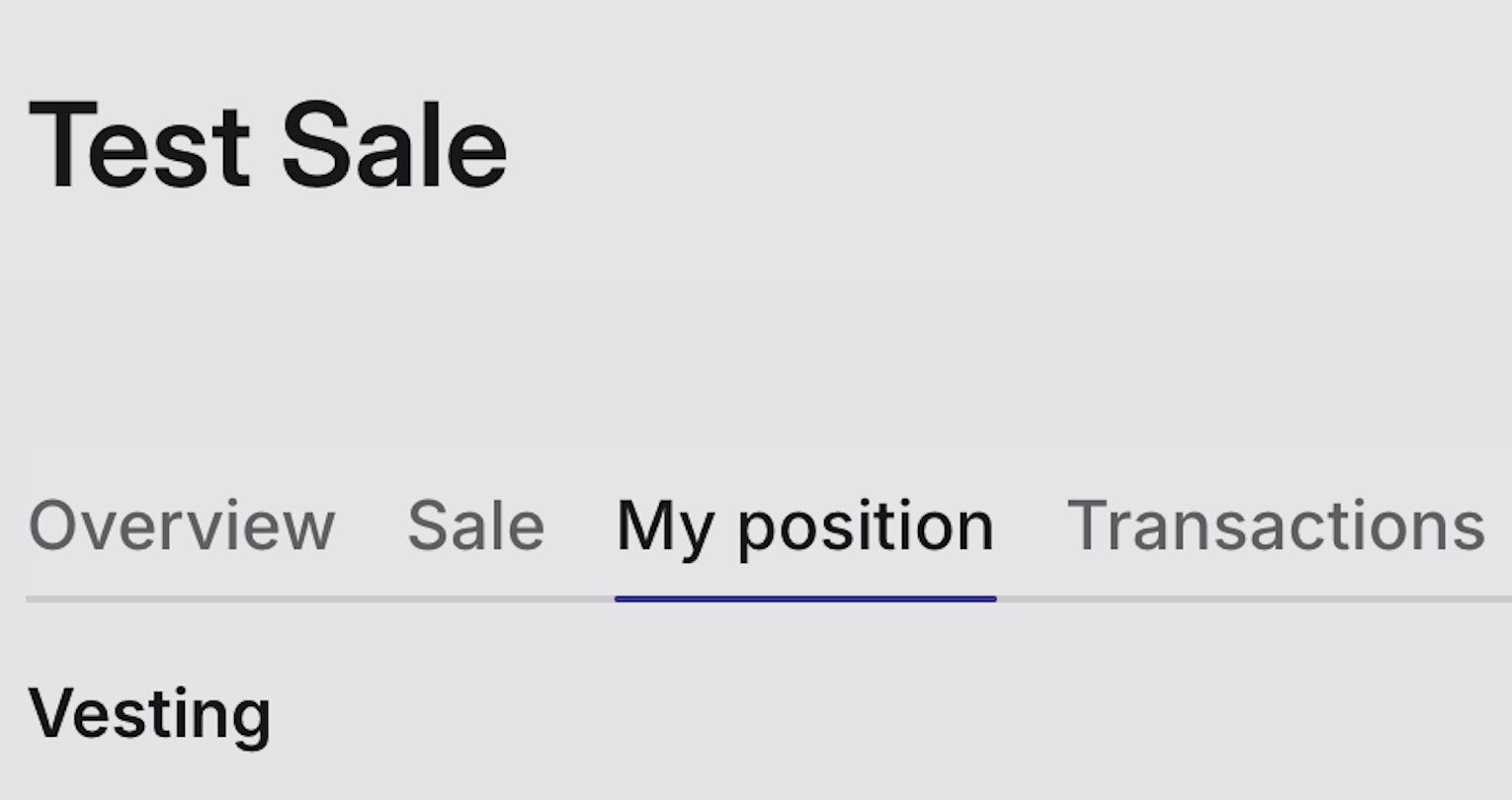
This page shows all investments and their status.
- Click on the "Claim" button
Next to the purchased position, the investor will see a Claim button.
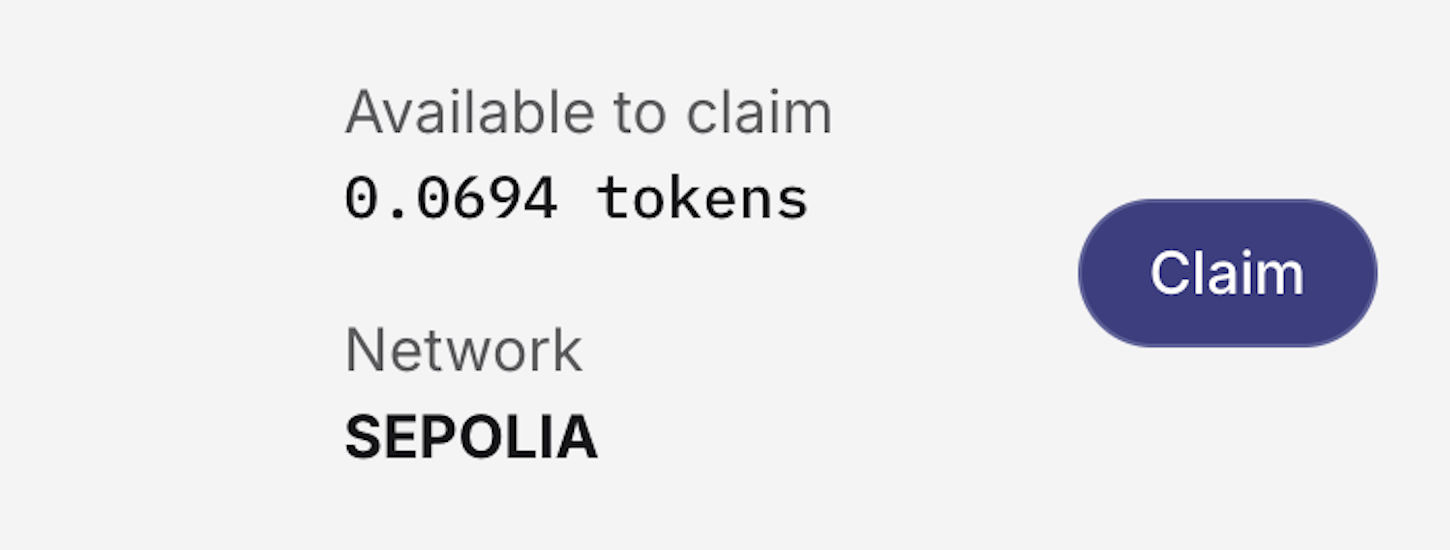
Clicking it will start the claiming process.
- Sign the transaction
A wallet transaction will pop up (via MetaMask or the connected wallet).
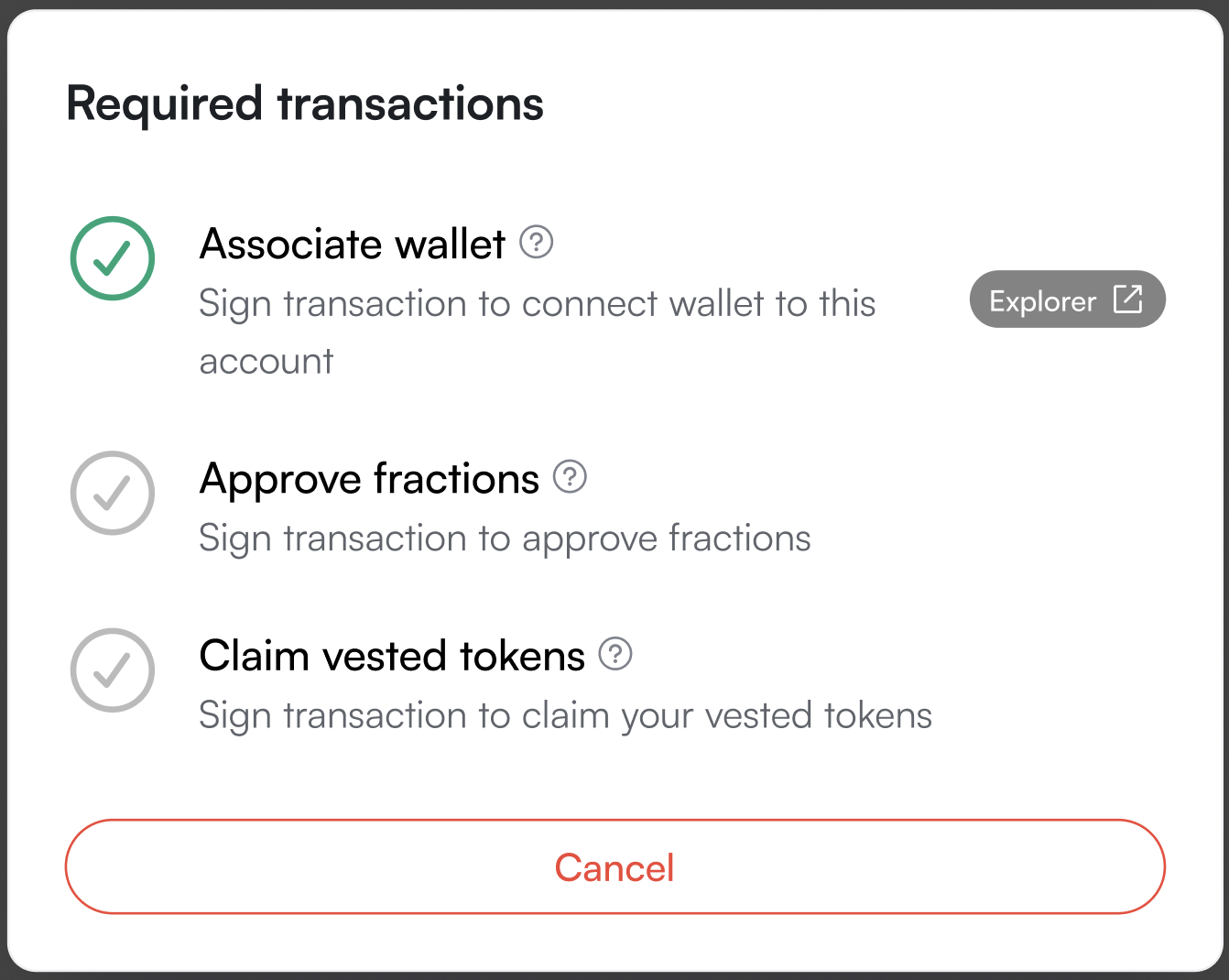
The investor must sign and confirm the transaction to complete the claim.
- Tokens received
Once the transaction is confirmed on-chain, the tokens will automatically appear in the investor’s connected wallet.
Updated 11 months ago
Did this page help you?